How to get started

Five steps. Takes about 2 minutes. No account, no phone number, no email.

① Download ② Connection ③ Identity ④ Add a contact ⑤ First message
1

Download the app

Android only for now. iPhone support is planned.

Ghost Protocol is free and open source. There is no account registration, no email address, and no phone number. You download the app and you own it.
Recommended

Direct APK

Signed by us. Verify the signature before installing.

Download →
Coming soon

F-Droid

No-Google app store. All free and open-source apps.

F-Droid
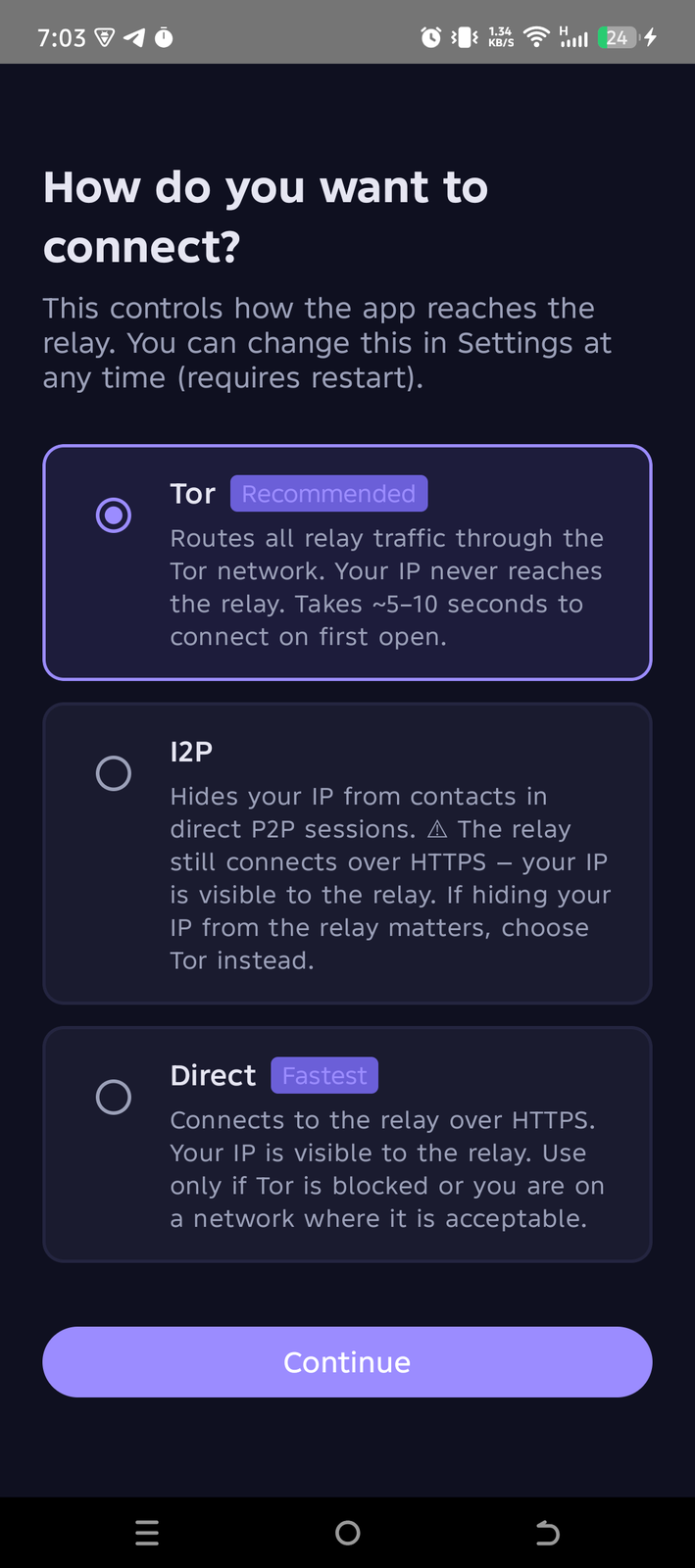
Ghost Protocol connection choice screen showing Tor, I2P, and Direct options
2

Choose how you connect

You pick this on first launch. You can always change it in Settings.

Ghost Protocol routes your traffic differently depending on your threat level. Pick the option that matches your situation — there is no wrong choice, and switching takes 10 seconds.

Tor

Your traffic bounces through three encrypted relays before reaching anyone. Nobody — not us, not your internet provider, not the relay — can see your real IP address.

Best for: journalists, activists, high-risk users

✓ Your IP is hidden from everyone

I2P

Messages travel through a private network of tunnels directly between devices. Good for talking to contacts who are also on I2P. Note: the relay still uses a regular HTTPS connection, so the relay can see your IP.

Best for: P2P-first users who don't rely on the relay

⚠ Relay can see your IP address

Direct

Connects straight to the relay over HTTPS. Fastest option. The relay server can see your IP address, but your messages are still end-to-end encrypted and unreadable by anyone.

Best for: low-risk users who prioritise speed

⚠ Relay can see your IP address
Not sure? Pick Tor. It's slower to connect (~30 seconds on first launch) but gives you the strongest privacy with no extra effort. You can always switch to Direct later in Settings.
Connection choice screen

Pick your connection

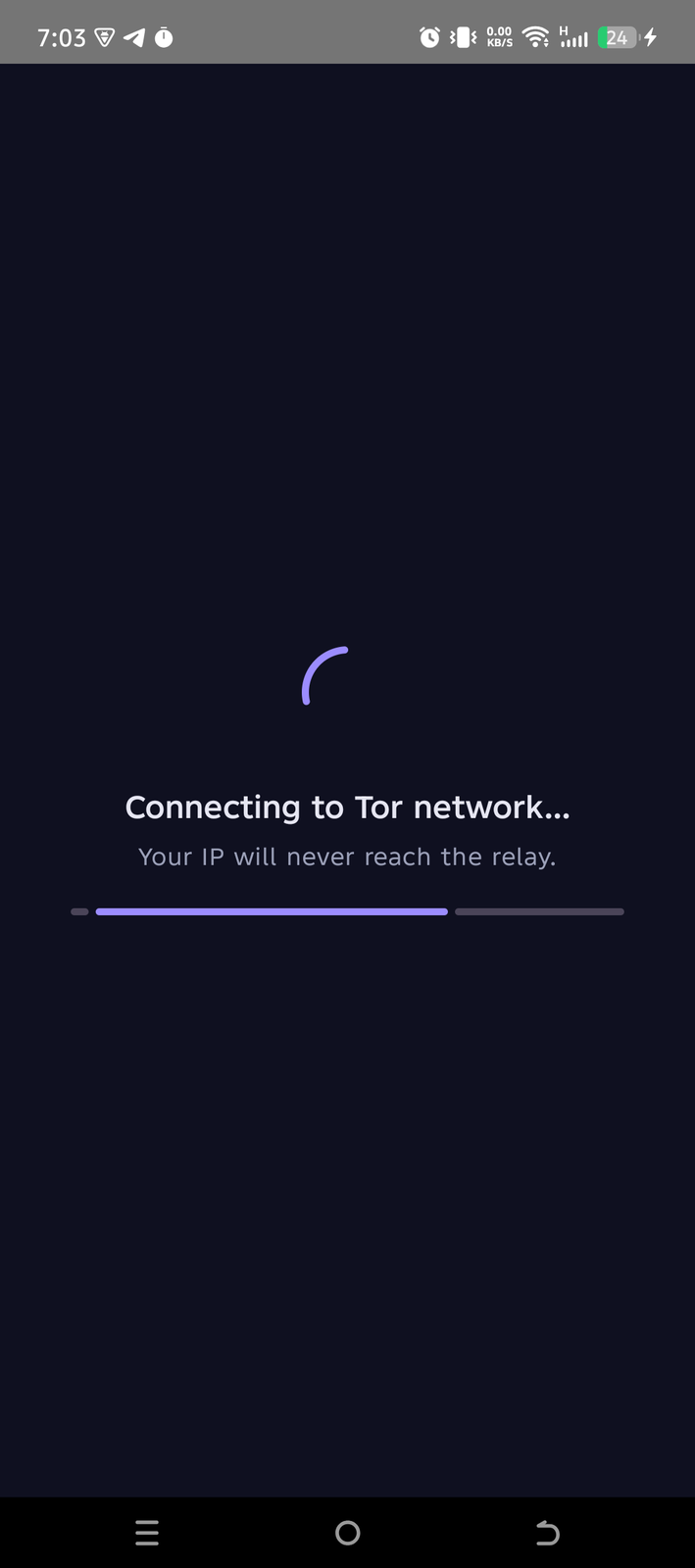
Tor connecting screen

Tor connects (~30s)

3

Create your identity

One tap. You get a 24-word recovery phrase.

Tap Create new identity. Ghost Protocol generates a random 24-word phrase — this is your account. There is no username, no password, and no email address. The phrase is everything.

Write it on paper. Right now. If you lose your phone and don't have the phrase, your account is gone forever. We cannot recover it for you. Nobody can.

If you already have a phrase from another device, tap Import recovery phrase instead. An optional extra passphrase (advanced users only) adds a second layer — leave it empty if unsure.
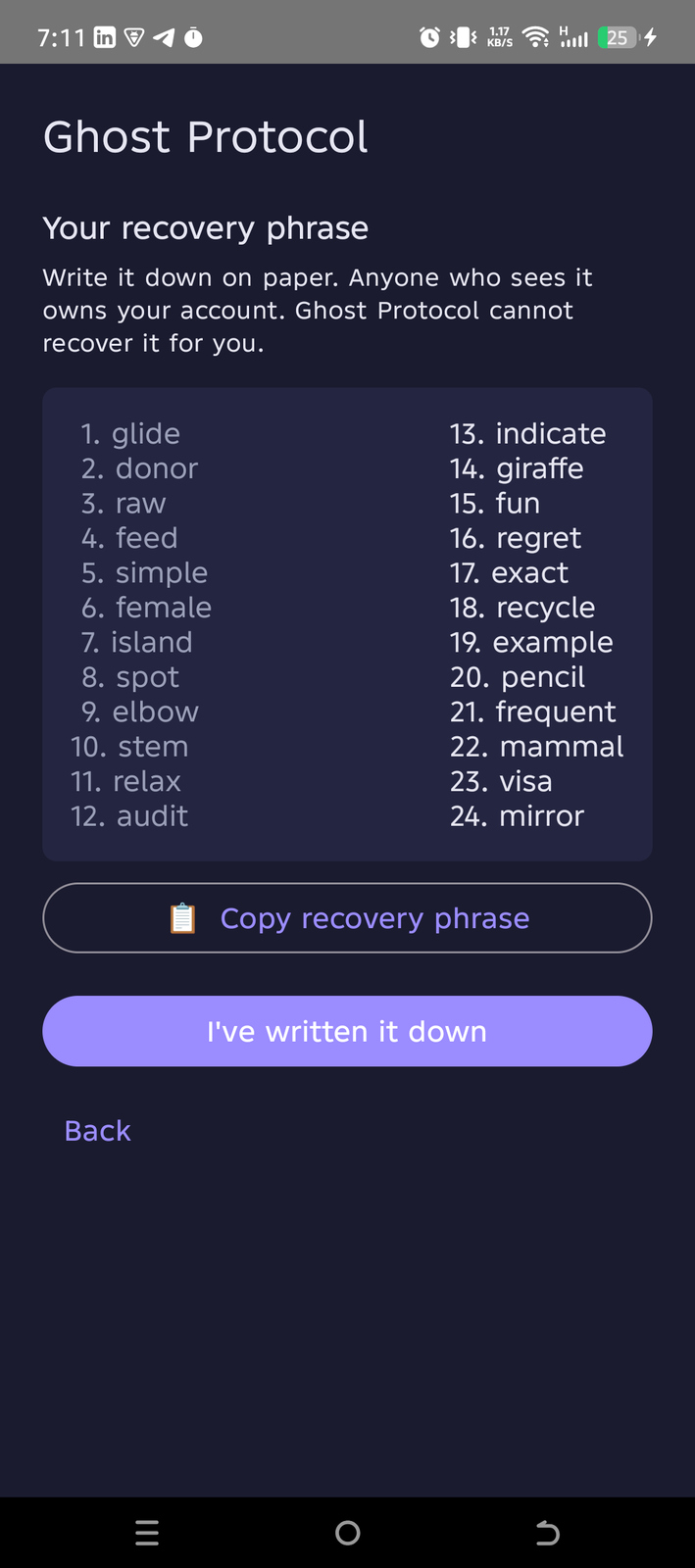
24-word recovery phrase screen
Your recovery phrase
1.river
2.stone
3.lunar
4.dance
5.flame
6.quiet
7.brave
8.orbit
9.noble
10.tiger
11.swift
12.frost
13.ocean
14.cedar
15.torch
16.angel
17.cloud
18.grain
19.pixel
20.light
21.shade
22.valor
23.empty
24.sword
Example only — your phrase will be different
4

Add a contact

Two ways — both work without internet.

Ghost Protocol has no central contact list or phone book. You add people directly, by sharing your identity with them — in person, or over any channel you trust.

Scan QR code

Both people open Ghost Protocol and go to My Identity → Show QR. Scan each other's screen. Done. Works even offline — no internet needed for the exchange itself.

a1b2c3d4e5f6...

Share identity code

Go to My Identity → Share code. You get an 8-word code or a ghost://add/... link. Send it over Signal, email, SMS — any channel works.
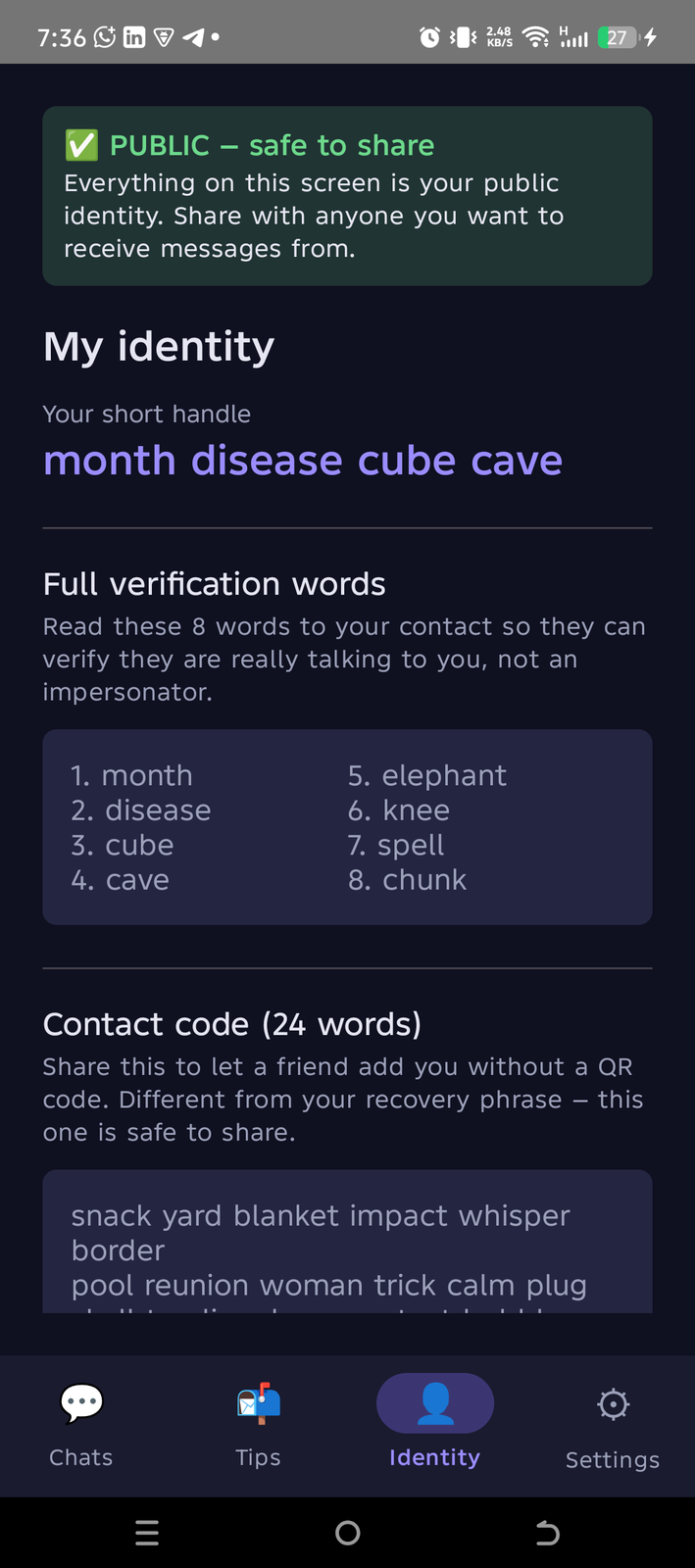
My Identity screen showing contact code and verification words
In person is safest. When you scan someone's QR code face to face, you are certain you're talking to the right person. Any other channel is convenient but could theoretically be intercepted — use your judgment.

The Identity tab shows your 4-word handle, your full verification words (read these to your contact to confirm you're not being impersonated), and your 24-word contact code to share.

5

Send your first message

End-to-end encrypted. Always.

Tap your contact's name and start typing. Your message is encrypted on your device before it leaves. The relay never sees anything except sealed envelopes it cannot open.
Messages are encrypted end-to-end with the Signal Protocol — even if the relay is hacked, nobody reads your messages.
Send images, voice notes, and group messages — all encrypted the same way.
Hold any message to burn (delete from both devices instantly).
Get Ghost Protocol →
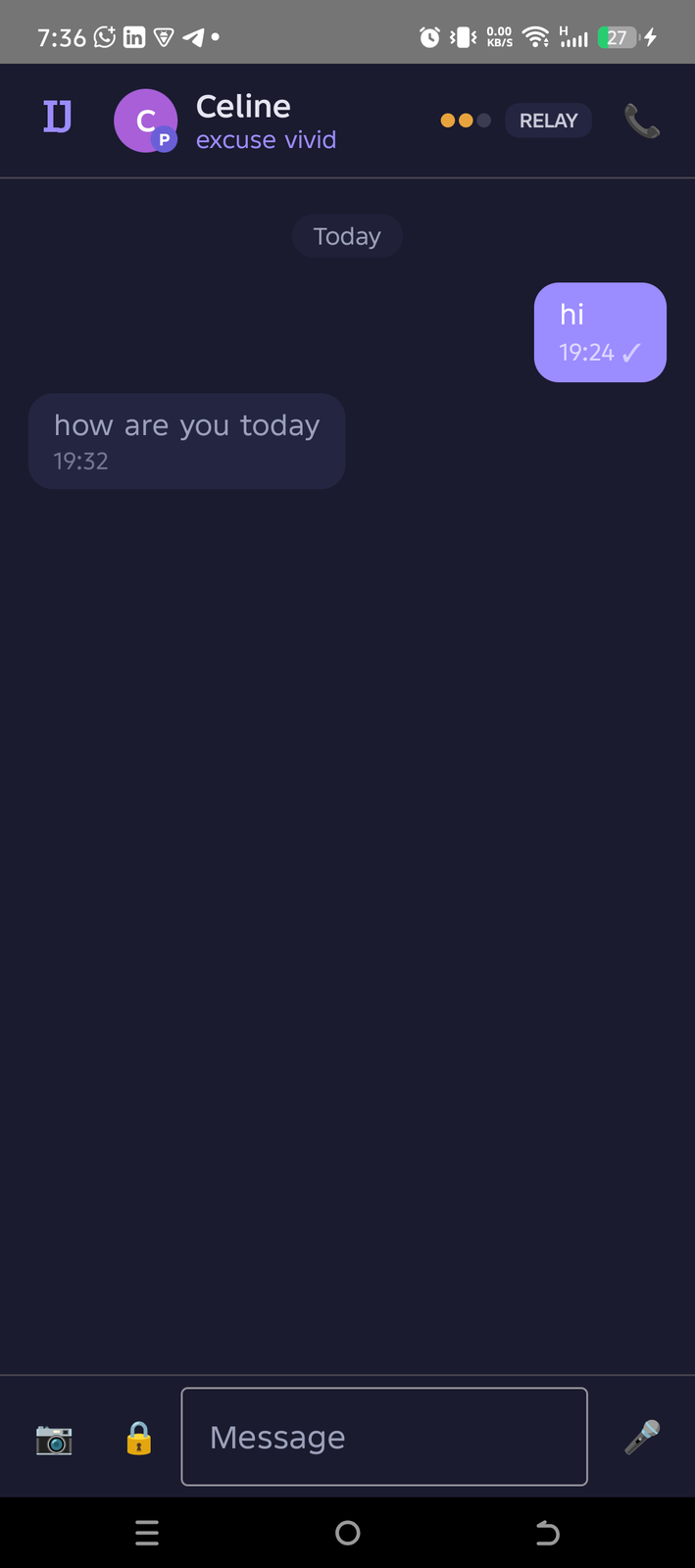
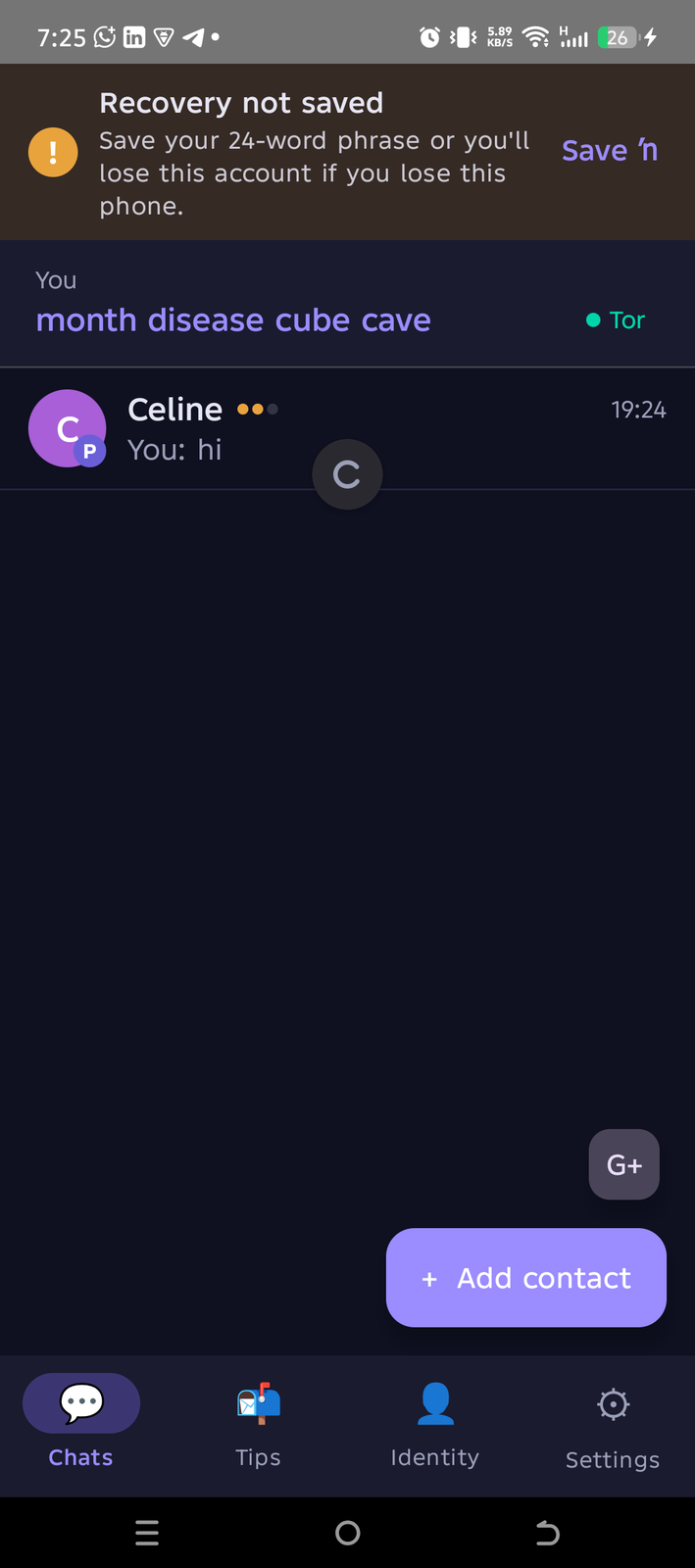
Chat list showing Celine contact with Tor indicator

Chat list

Live encrypted conversation between two devices

Live E2E chat

FAQ

Do I need a phone number or email address?
No. Ghost Protocol has no account system. Your 24-word phrase is your identity. We have no record of who you are, and we cannot ask you to prove it.
What if I lose my phone?
Install Ghost Protocol on a new phone and tap Import recovery phrase. Enter your 24 words and your identity comes back — your contacts, your message history, everything. This is why writing those words down on paper matters.
Is it free?
Yes, completely free. No subscription, no premium tier, no ads. Ghost Protocol is open source (AGPL-3.0) and funded by CSB Group. The goal is to keep it free for journalists and activists indefinitely.
Who can read my messages?
Only you and the person you are talking to. Messages are encrypted on your device using the Signal Protocol before they leave. The relay, your internet provider, your government, and us — nobody else can read them. Not even with a court order.
How is this different from Signal or Telegram?
Signal requires a phone number. Telegram is not end-to-end encrypted by default and stores data on their servers. Ghost Protocol has no phone number, no cloud backup, no account, and routes traffic through Tor by default so even the server doesn't know who you are.
Is the source code public?
Yes. Every line of code is on GitHub under AGPL-3.0. The reproducible build system lets anyone verify that the APK you download matches the public source code exactly.

Troubleshooting

Tor is taking forever to connect
Tor takes 20–60 seconds on first launch. If it's stuck longer, go to Settings → Connection → enable Censorship bypass servers. This helps if your network is actively blocking Tor.
Can't connect at all
Switch to Direct in Settings → Connection. Direct connects over HTTPS, which works on almost every network. Your messages stay encrypted; only the relay sees your IP.
Contact added but messages don't arrive
Pull down to refresh the chat list. If the contact is offline, messages wait on the relay for up to 30 days. They'll download automatically next time that person opens the app.
Notification wasn't delivered
Check that Ghost Protocol has notification permission in your Android settings. Background activity restrictions on some phones (Xiaomi, Huawei) can prevent wake-up. Add Ghost Protocol to the battery optimisation exceptions list.
App keeps restarting or crashing
Check the releases page for a newer version. If you're on the latest and it still crashes, report it on GitHub with your Android version.
I forgot my recovery phrase
If you have the app installed, go to Settings → My identity → Recovery phrase backup to view it again. If you've already lost the app and the phrase, the identity cannot be recovered — you'll need to create a new one.

What if…

…I lose my phone?
Install Ghost Protocol on any Android device and use Import recovery phrase with your 24 words. Your identity, contacts, and messages are all restored. Nothing is stored on our servers that helps — the phrase on paper is the key.
…the relay goes down?
Messages queue on your device and send automatically when the relay comes back. For contacts who are both online, the I2P tunnel continues working peer-to-peer even if the relay is unreachable. We publish relay status on the Canary page.
…I forget my 24 words but still have the app?
Go to Settings → My identity → Recovery phrase backup. Tap Reveal phrase and write it down immediately. Keep it somewhere only you can access.
…I'm in a country that blocks Tor?
Go to Settings → Connection and enable Censorship bypass servers. The app fetches bridge servers automatically. If those are also blocked, switch to Direct mode temporarily — your messages stay encrypted even without Tor.
…I need to delete everything fast?
Go to Settings → Danger zone → Delete identity. This immediately wipes your keys, contacts, and messages from the device. It cannot be undone. Uninstalling the app alone does not guarantee this on all Android versions — use the delete button instead.
Free · Open source · No account

Ready to disappear?

Two minutes from now you'll have a fully encrypted, Tor-routed messenger with zero accounts and zero phone numbers.

Download Ghost Protocol View source code